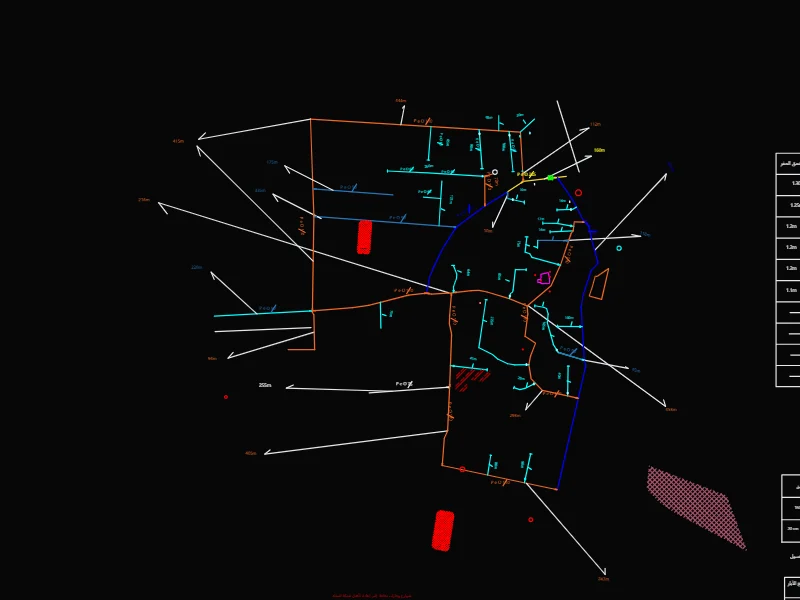
About this DWG drawing
.
How to use it
- Download the DWG file.
- Open it in SmartCAD 2D, AutoCAD or any DWG-compatible CAD program.
- Check the units (Meters) and scale it to suit your drawing.
Edit your drawings in SmartCAD 2D
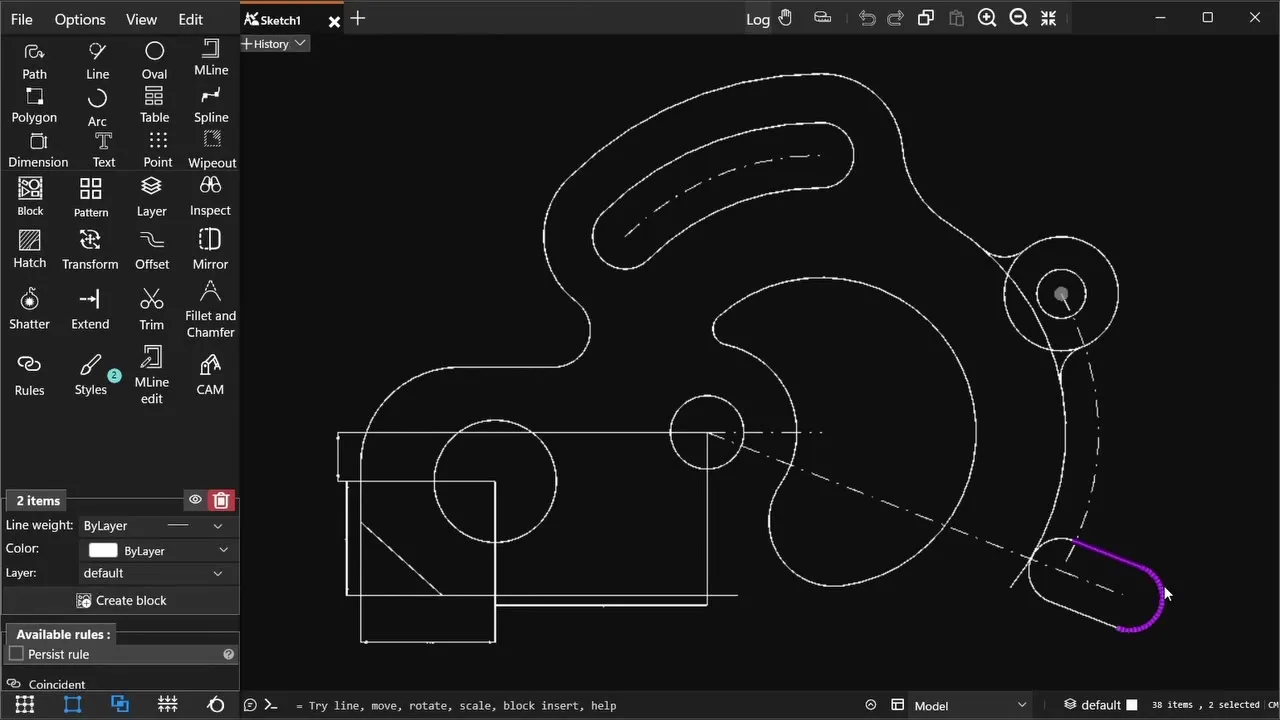
SmartCAD 2D is a 2D CAD app for Windows 10 and 11. It opens and saves DWG and DXF files, and has the tools to change them: drawing and editing, dimensions, hatches, blocks and constraints. It also exports PDF, SVG and PNG. The free plan covers the essentials.