How to open DWG files without AutoCAD
DWG is AutoCAD’s file format, but you don’t need AutoCAD to open one. Here are the fastest ways to view or edit a DWG file on any computer or phone.
1. Open it online (any device)
The quickest way to look at a DWG file is in your browser. Drop the file below: it opens in a few seconds with its layers, and you can zoom right into the details. It works the same on Windows, Mac, Linux, iPhone, iPad and Android.
Files you open are processed on our servers and kept private. Privacy
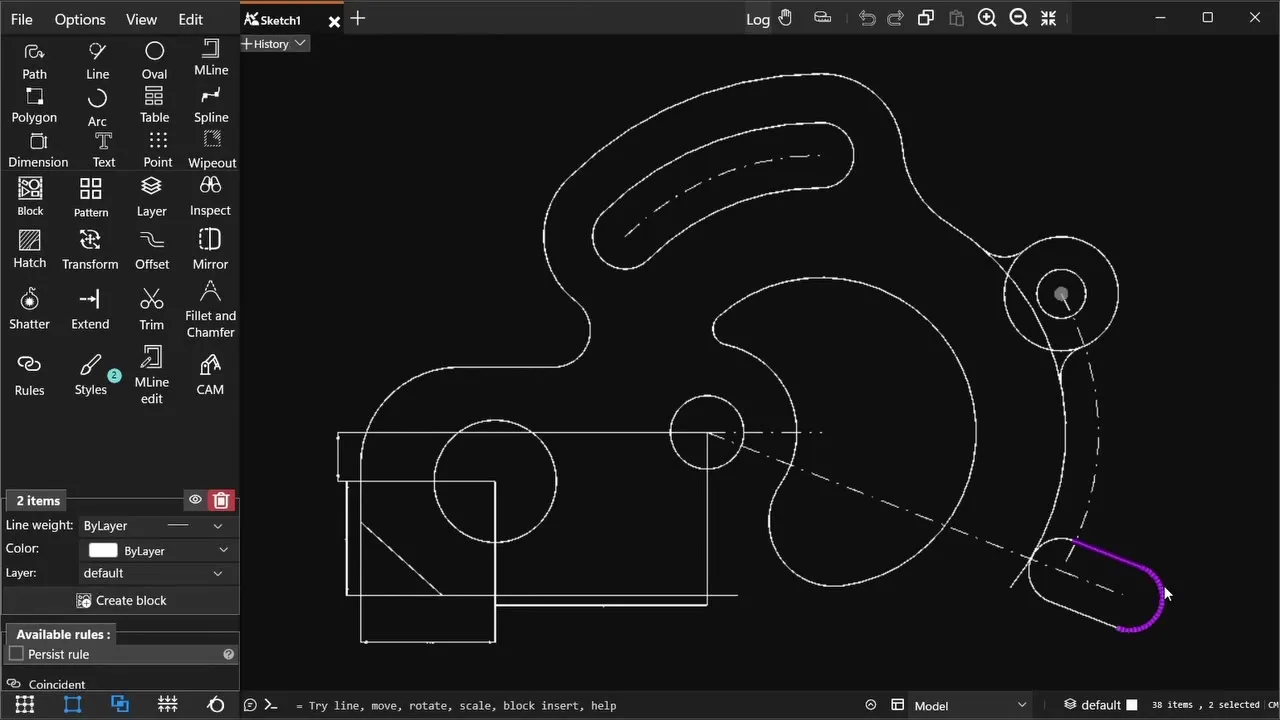
2. Edit it on Windows with SmartCAD 2D
If you need to change the drawing, you need a CAD program. SmartCAD 2D is a 2D CAD app for Windows 10 and 11 that opens and saves DWG and DXF. You can draw and modify geometry, add dimensions and hatches, and work with blocks and layers. It also exports PDF, SVG and PNG. The free plan covers the essential tools.
Get SmartCAD 2D for Windows, then choose File → Open and pick your DWG.
3. On a Mac
Use the online viewer above in Safari or Chrome. It needs no install and no account.
4. On a phone or tablet
Open this page, tap Choose file and pick the DWG from Files, Google Drive or an email attachment. Pinch to zoom, and use the Layers button to show or hide layers.
DWG file won’t open?
- “Saved in an older format”: the file comes from AutoCAD R14 or earlier. Ask the sender to save it as AutoCAD 2000 or newer.
- “Couldn’t read this drawing”: the file may be damaged or incomplete. Download it again, or ask for a fresh copy.
- Too large: the web viewer takes files up to 50 MB. Open larger drawings in SmartCAD 2D.
- It isn’t really a DWG: files named
.dwgare sometimes other formats. Try the DXF or PDF version if the sender has one.
DWG or DXF?
DWG is compact and native to AutoCAD. DXF is an exchange format that almost every CAD, CAM and design program understands. If a program can’t open your DWG, a DXF version of the same drawing often works. Both open in this viewer.