
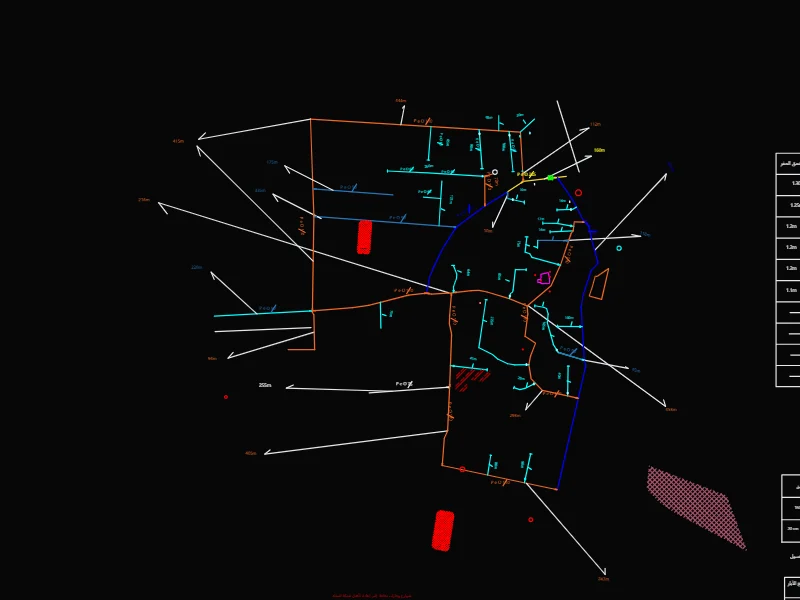
 DWG
مخطط قساطل
Free
Free online DWG viewer
Open AutoCAD drawings in your browser in seconds. No sign-up, no install: pan, zoom and switch layers on any device.
- Formats
- DWG, DXF (ASCII and binary)
- DWG versions
- AutoCAD 2000 to 2018+
- File size
- Up to 50 MB
- Account
- Not needed to view
Files you open are processed on our servers and kept private. Privacy
What you can do in the viewer
The file is read on our servers and streamed to your browser as vector linework, so it stays sharp at any zoom.
Large drawings stay usable
Geometry streams in largest pieces first, and panning moves a cached frame, so plans with millions of objects stay smooth.
Every layer, with its colour
Hide walls, furniture or annotations in the Layers panel to read one part of the drawing at a time.
Coordinates in drawing units
The X and Y under your cursor are shown in the drawing’s own units: millimetres, metres, inches or feet.
Phones and tablets
Pinch to zoom and drag to pan. The page works the same in Safari, Chrome, Edge and Firefox.
Private files
Files you open are kept private. Nothing appears in the library unless you share it yourself.
My files
Sign in to save a drawing and open it again later from another computer or your phone.
View a DWG file online in three steps
- 1
Choose your file
Drop a .dwg or .dxf file on the page, or tap Choose file to pick one from your computer, phone or cloud drive.
- 2
Explore the drawing
Zoom with the mouse wheel or a pinch, drag to pan, and use the Layers panel to show or hide layers.
- 3
Save or edit
Save the drawing to My files to open it again later, or open it in SmartCAD 2D to edit and export it.
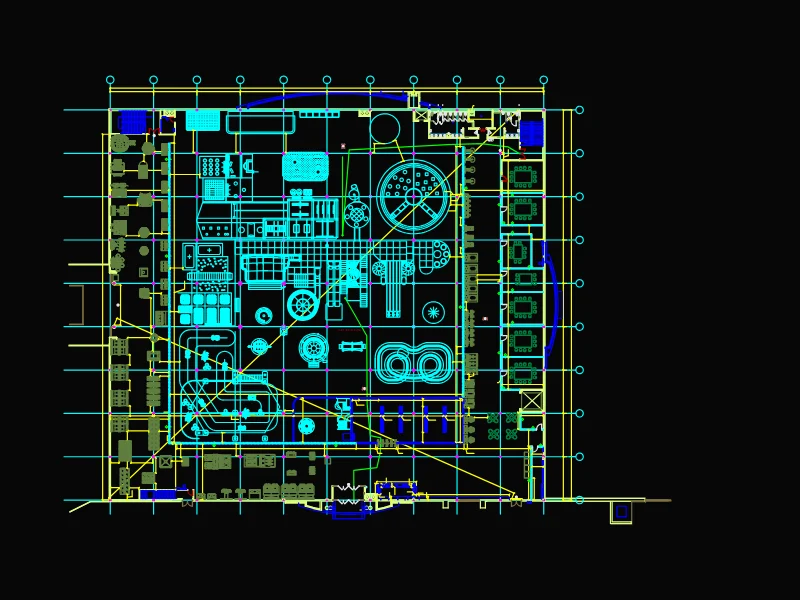
Free CAD drawings, blocks and hatch patterns
Browse the library

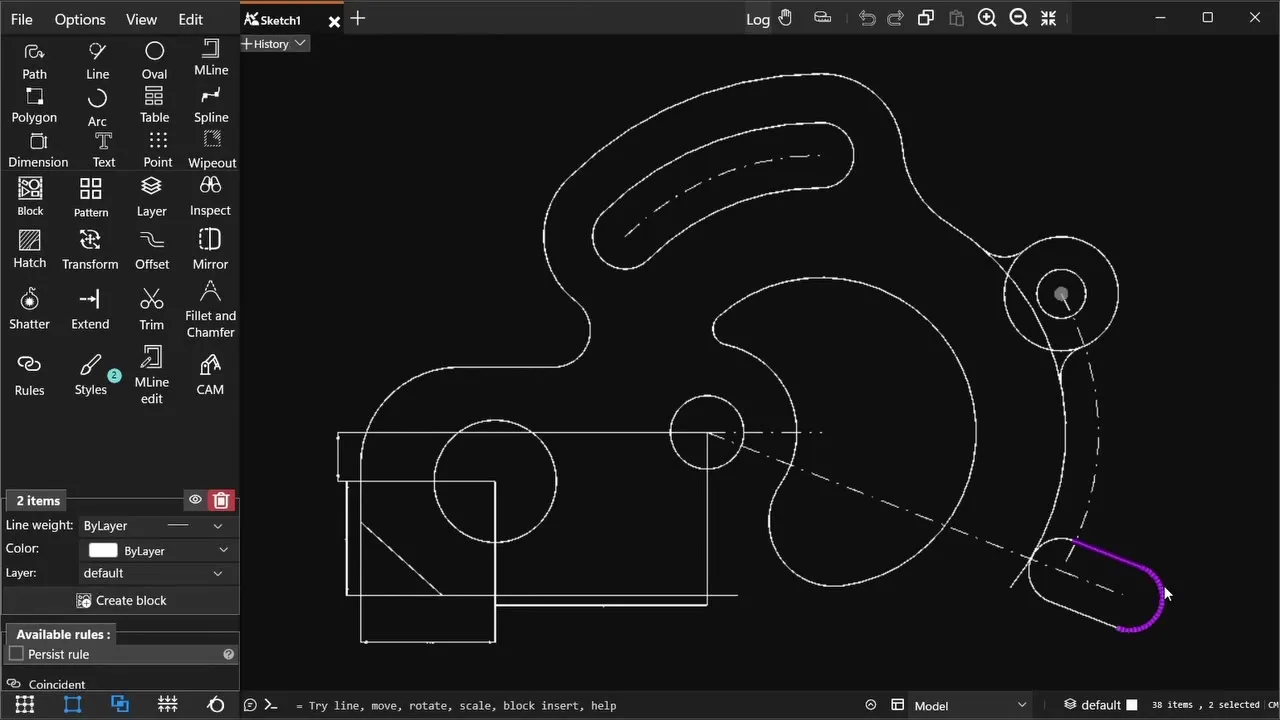
Edit your drawings in SmartCAD 2D
SmartCAD 2D is a 2D CAD app for Windows 10 and 11. It opens and saves DWG and DXF files, and has the tools to change them: drawing and editing, dimensions, hatches, blocks and constraints. It also exports PDF, SVG and PNG. The free plan covers the essentials.

Common questions
Is the DWG viewer really free?
Yes. Viewing DWG and DXF files is free, with no account, watermark or trial. Signing in (also free) only adds saving files to your own cloud storage.
Which DWG versions can I open?
DWG files saved by AutoCAD 2000 or newer, including the AutoCAD 2018 format used by all current releases. Older R14 and R12 files need to be re-saved in a newer format first.
Are my files private?
Yes. Files you open are processed on our servers and stored privately. They are never published or shown to other people. Only you can share a file, by choosing to publish it to the library.
Can I edit the drawing?
The web viewer is for viewing. To edit, measure, dimension or export a drawing, open it in SmartCAD 2D for Windows, which reads and writes DWG and DXF and has a free plan.
Does it work on iPhone, iPad and Android?
Yes. The viewer runs in the browser, so you can open DWG files on phones and tablets and pinch to zoom.
How large can the file be?
Up to 50 MB. For bigger drawings, use SmartCAD 2D on Windows.