
SmartCAD 2D: free 2D CAD for Windows
Open a DWG or DXF, change it, and save it back. SmartCAD 2D has the drawing, dimension, hatch and block tools, and exports PDF, SVG and PNG.

- Runs on
- Windows 10 and 11
- Opens and saves
- DWG, DXF
- Exports
- PDF, SVG, PNG
- Price
- Free plan, Pro upgrade
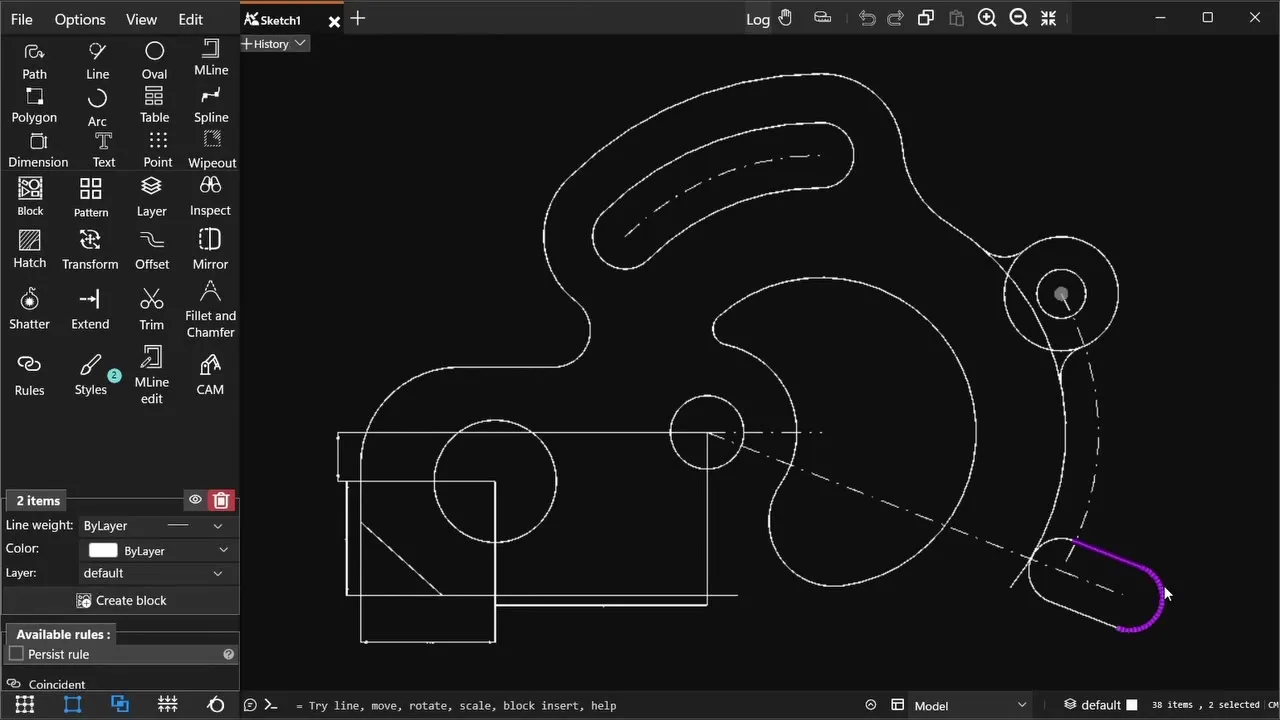
What’s in SmartCAD 2D
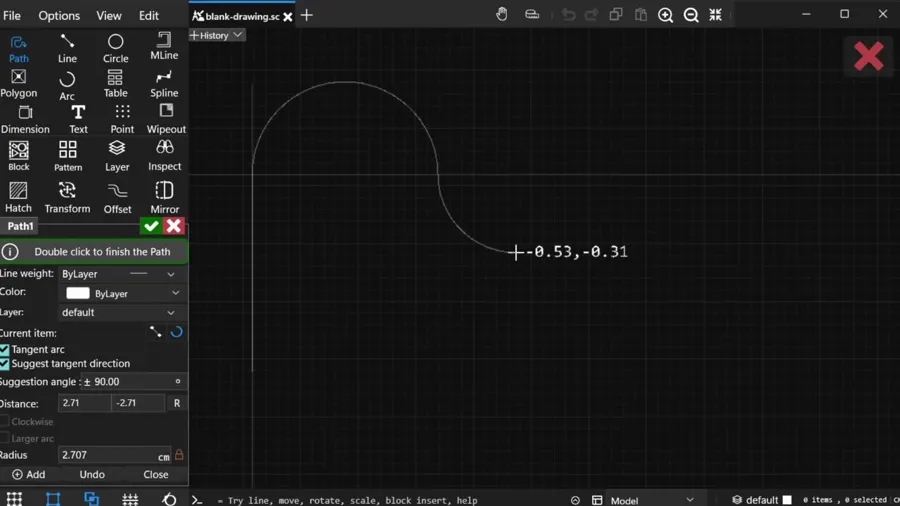
Precise 2D drafting
Lines, arcs, polylines, splines, polygons, tables and text, with snaps, ortho and typed coordinates for exact geometry.
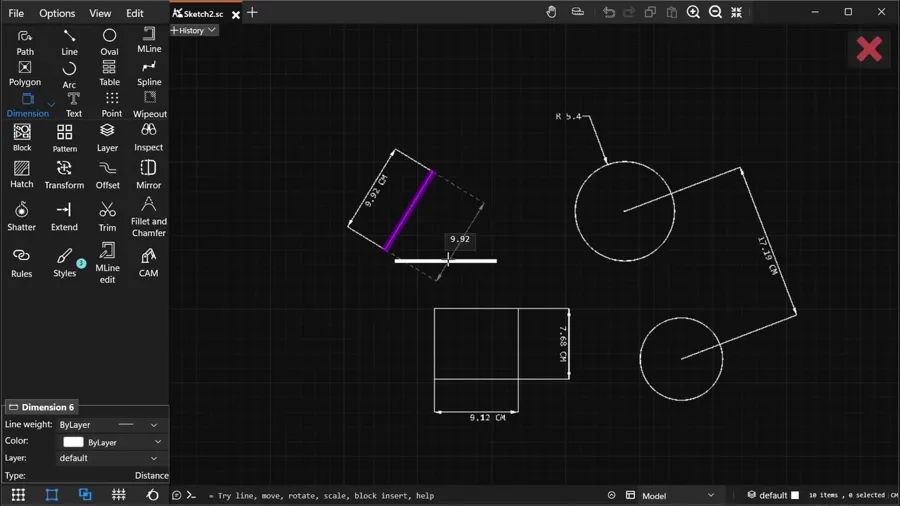
Dimensions and constraints
Associative dimensions that update with the geometry, and geometric constraints that keep your design intent.
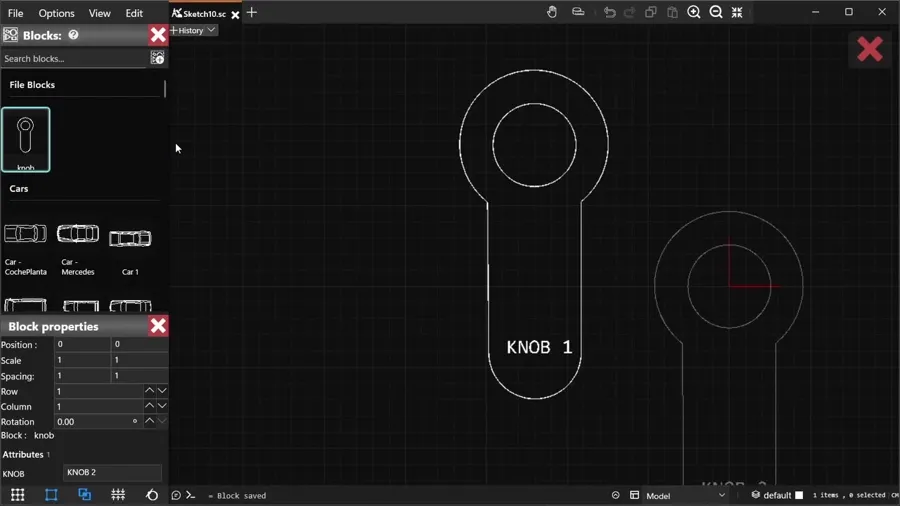
Blocks and libraries
Create blocks with attributes, reuse them across drawings, and insert from a built-in library.
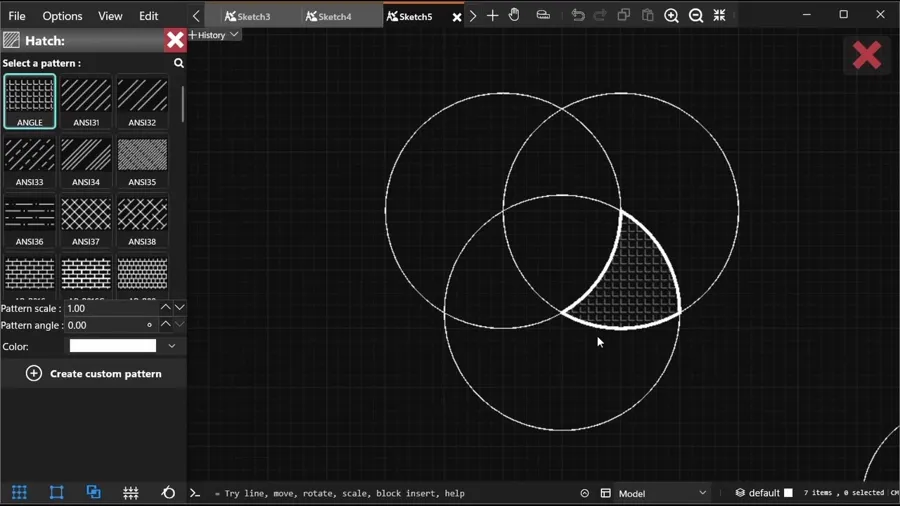
Hatching and patterns
Fill areas with standard or custom PAT hatch patterns, gradients and solid fills.
The web viewer or the app?
| Web viewer | SmartCAD 2D | |
|---|---|---|
| View DWG and DXF, with layers | Yes | Yes |
| Works on phones, Mac and Linux | Yes | —No |
| Draw and edit geometry | —No | Yes |
| Dimensions, hatches, blocks and constraints | —No | Yes |
| Save DWG and DXF | —No | Yes |
| Export PDF, SVG and PNG | —No | Yes |
| CAM toolpaths and G-code | —No | Yes |
| Price | Free | Free plan |
About SmartCAD 2D
Is SmartCAD 2D free?
Yes. The free plan includes the essential drawing and editing tools, and opening and saving DWG and DXF files. Pro unlocks advanced tools.
Which Windows versions are supported?
Windows 10 and Windows 11, installed from the Microsoft Store so updates arrive automatically.
Can SmartCAD 2D open AutoCAD files?
Yes. It opens and saves DWG and DXF, so you can exchange drawings with AutoCAD users.
Can I export to PDF?
Yes. Export to PDF, SVG and PNG, as well as saving DWG and DXF.